

Your website opens quickly on your office laptop. But on a phone, the main image takes time to appear, the menu feels unresponsive, or the page moves just as someone tries to tap a button.
If you are asking, “Why is my business website slow?”, there may be several contributing factors. Large images, unnecessary scripts, embedded tools and server response times can all affect the experience.
The useful first step is to identify where the delay happens and which customer tasks it affects. That gives you a clearer basis for deciding what to improve.
For a small business, the priority is practical: help people understand your services, find the information they need and contact you without unnecessary friction.
What does a slow website actually feel like?
Website performance includes more than the time it takes for a page to appear.
A customer might experience:
- A blank area where the main content should be.
- Text that appears late or moves when a font loads.
- A menu that takes too long to respond.
- Images or banners pushing a contact button down the screen.
- A booking tool that delays the rest of the page.
These are different problems and may require different fixes.
Google’s Core Web Vitals describe three aspects of that experience: loading performance, responsiveness and visual stability. In everyday terms: can visitors see the content, interact with it and use it without the layout unexpectedly moving?
You do not need to memorise the technical metrics to ask a useful question:
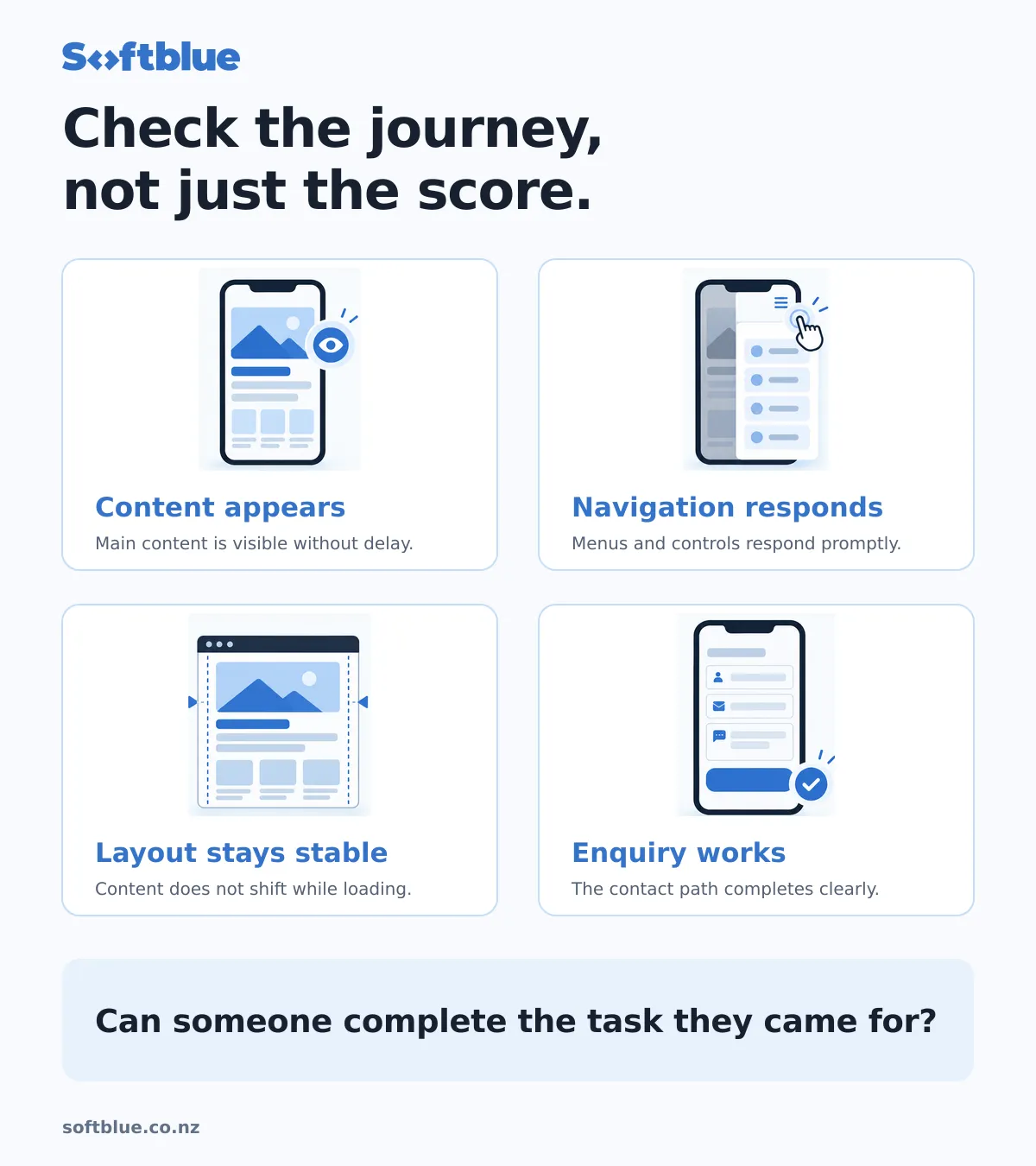
Can someone comfortably use the website to complete the task they came for?
Common reasons a business website is slow
1. Images are larger than they need to be
Photography helps customers understand your work. But uploading an original, full-resolution image into a small website panel can make visitors download far more data than necessary.
A homepage might contain a large banner, project photographs and team portraits. Together, those images can create a substantial loading burden.
Useful improvements can include resizing images for their actual display size, compressing them appropriately and serving suitable formats.
Loading order also matters. Images further down the page can often wait until visitors approach them. The main image visible when the page opens usually needs different treatment.
The aim is to preserve useful visual quality while reducing unnecessary work.
2. Embedded tools add more than expected
Maps, chat widgets, social feeds, videos and booking tools can each introduce additional downloads and processing.
A tool may be useful without needing to load immediately on every page.
For example, a location map could sit on the contact page rather than appearing throughout the site. A video might load when someone chooses to watch it.
Before removing anything, establish what the tool does for the business. Booking, analytics and enquiry features should not disappear simply because they affect a performance score.
Ask whether each tool is needed, where it is needed and when it needs to load.
3. The theme or page layout does unnecessary work
A website can look simple while loading a large amount of code.
Some themes and page builders include functionality that the current site barely uses. Complex animations, sliders and overlapping extensions can add further work.
The number of plugins alone does not tell you whether a website will be fast. What they do, how they are implemented and which pages load them matter more.
A technical review should identify the actual cause before recommending that a theme, plugin or platform be replaced.
4. Hosting or server response is contributing to the delay
Sometimes the browser waits before it receives the page content.
Hosting configuration, application processing, caching and database work may contribute to that delay.
Changing hosting can help when the server is the bottleneck. It will not automatically solve oversized images or heavy scripts running in a visitor’s browser.
The useful distinction is between waiting for the page to arrive and waiting for the browser to make that page usable.
5. Fonts and moving content interrupt the experience
A website may load its text, then change its appearance when a custom font arrives. Images, banners or embedded elements can also move content if the layout has not reserved space for them.
That becomes frustrating when someone is trying to read, navigate or select a button.
Reviewing font loading and reserving appropriate space for media can improve stability. These details are easy to overlook in a static design, but they affect how the finished website feels.
Why does the website seem fine on your own computer?
Your usual browsing setup may hide problems.
You may have a fast connection, a capable device and files already stored in your browser’s cache. A first-time visitor can have a different experience.
Start with a phone and a normal mobile connection. Open the homepage, visit a service page and follow the enquiry path.
Check whether you can:
- Read the main message without waiting for visual effects.
- Open the navigation promptly.
- Reach service information comfortably.
- Tap the phone number or contact action.
- Complete the enquiry form and understand its confirmation.
This is a useful practical check, although it does not replace technical measurement.
Our guide to what a small business website should include explains the content and customer journey those checks should support.
How to check website speed without getting lost in scores
Google PageSpeed Insights is a useful starting point. Test the homepage and at least one important service or contact page.
The report can include two different kinds of evidence:
- Field data: experience recorded from real users, where enough data is available.
- Lab data: a controlled test that helps identify potential issues.
A small website may not have enough field data for a particular page. That does not itself indicate a performance failure.
Lab results also vary between runs. Treat them as diagnostic evidence rather than a permanent grade.
When discussing a report with a developer, ask:
- What is the main problem?
- Which pages and customer actions does it affect?
- What change is likely to help?
- How will we check the result?
A clear answer to those questions is more useful than a promise to make every number green.
What should you improve first?
Start with important customer journeys, then prioritise the issues supported by evidence.
For a local service business, that might mean the homepage, its most important service page and the contact process. For an online shop, product pages and purchasing tasks may need closer attention.
A sensible improvement sequence is:
- Record the current behaviour on the affected pages.
- Identify the main source of delay or instability.
- Agree a small, specific set of changes.
- Test those changes safely.
- Recheck performance and essential functionality.
Suppose a service page contains oversized project photographs and an embedded map. The initial scope might cover image delivery and how the map loads.
That is an illustrative scope, not a promise that those changes will solve every slow website. The right work depends on the diagnosis.
Does a slow website need a rebuild?
Sometimes targeted improvements are enough.
That is more likely when the website still supports the business, its content structure is useful and the performance issues can be isolated.
A rebuild may deserve consideration when the underlying system makes meaningful improvements difficult, routine maintenance has become fragile, or the website also needs substantial structural changes.
Speed alone should not decide that investment.
Our guide to website redesign or rebuild explains how to choose an appropriate level of change.
The same principle applies when comparing website quotes. “Speed optimisation” is not a complete scope. Ask which pages will be reviewed, what work is included and how the result will be assessed.
Will a faster website improve SEO and enquiries?
Good performance supports a better experience, and Google uses Core Web Vitals within its ranking systems. However, good scores do not guarantee strong search rankings.
Useful content, relevance and other factors still matter.
Likewise, a faster website does not automatically generate more enquiries. Visitors still need to understand your service, trust the business and find an appropriate next step.
Performance work can remove friction from that journey. It cannot compensate for every problem elsewhere.
After an improvement, review the technical result alongside the actual experience: can people read, navigate and contact the business more comfortably?
A practical checklist for your website
Before commissioning a rebuild, check:
- Does the website feel usable on a phone?
- Does the main content appear promptly?
- Do menus and buttons respond reliably?
- Does the layout remain stable as content loads?
- Are large images or embedded tools creating unnecessary work?
- Have important service and contact pages been tested?
- Is there a clear explanation of what needs fixing?
You do not need to diagnose every technical detail yourself. You should be able to understand the proposed work and why it matters.
Start with a focused review
At Softblue, we start by understanding the website, the customer journey and the problem that needs attention.
That helps establish whether targeted improvements are appropriate or whether a larger change deserves consideration.
If your website feels slow or difficult to use, explore our website improvement and support services, or send us your website and the issue you have noticed.
The aim is to make the website easier for customers to use and practical for your business to maintain.