
A business website can feel outdated without necessarily needing to be replaced.
Maybe the design no longer reflects the quality of the business. Perhaps the mobile experience is frustrating, pages are slow, content is difficult to update or the website was built around services you no longer prioritise.
At that point, it is easy to assume that the answer is a complete rebuild.
Sometimes it is.
But often, a more focused redesign or technical improvement can solve the real problem with less disruption.
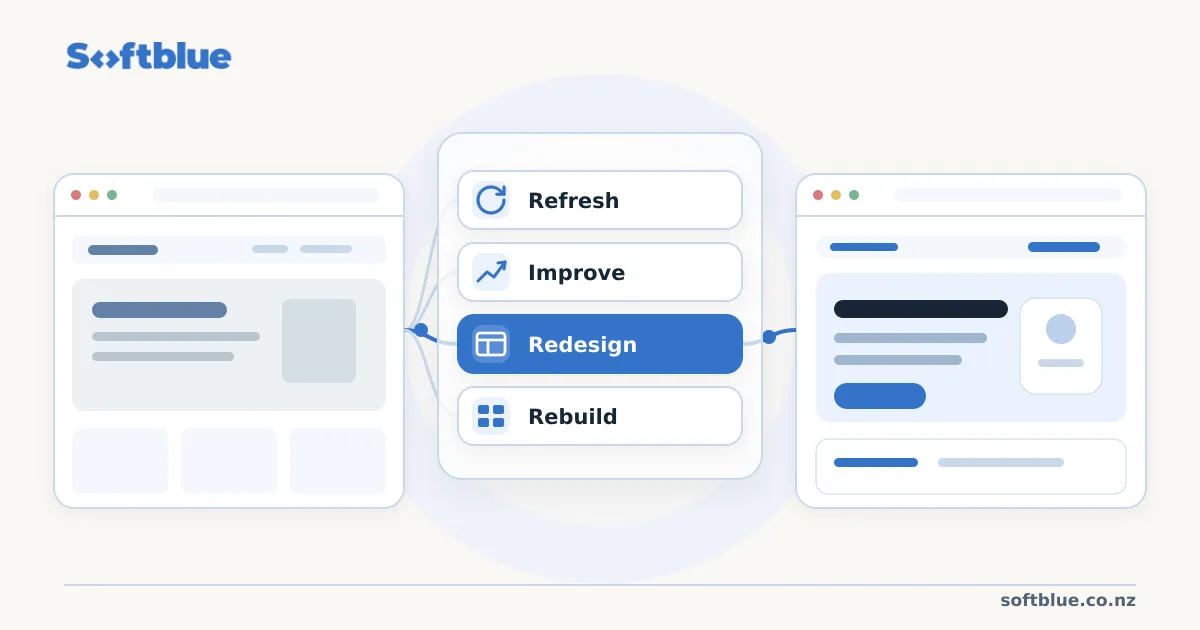
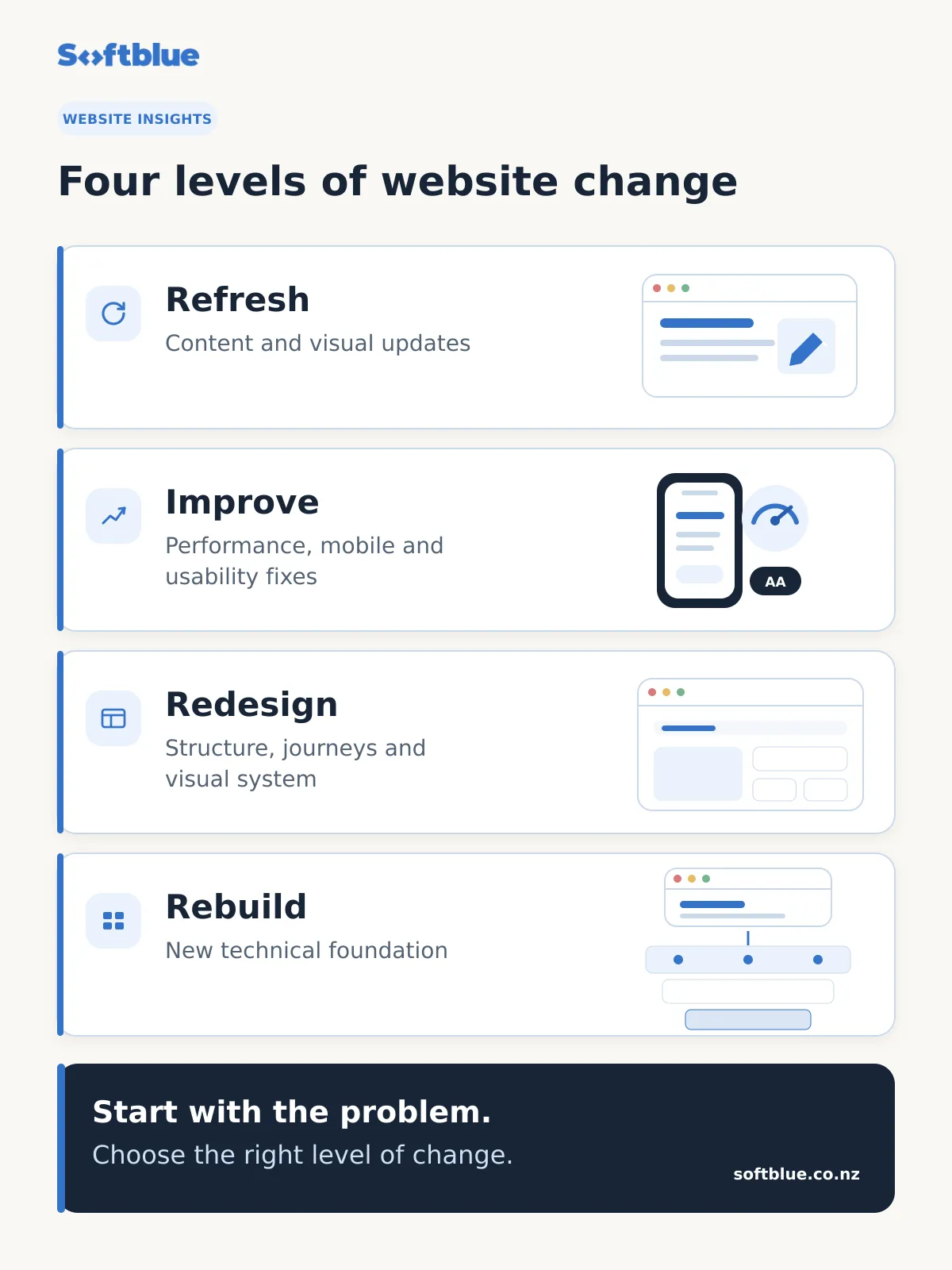
Before deciding to replace your website, it helps to separate four different levels of change: a refresh, targeted improvements, a redesign and a full rebuild.
First, identify what is actually wrong
The most useful question is not:
“How old is our website?”
It is:
“What is preventing this website from working better for the business and its customers?”
An older website may still have a solid technical foundation. A relatively new website can already be difficult to use or maintain.
Start by looking at the practical problems.
For example:
- Can visitors quickly understand what your business does?
- Does the website work properly on mobile?
- Is important information easy to find?
- Does the website load reliably?
- Can your team update content without difficulty?
- Does the website represent the business as it exists today?
- Are enquiries easy to make?
- Is the underlying platform becoming expensive or difficult to maintain?
The answers will help determine how much change is actually required.
If you are still deciding whether your website needs attention at all, read our guide to 5 signs your business website needs an upgrade.
Option 1: A website refresh
A refresh is the smallest level of change.
The underlying website structure and technology may still be working well, but the content or presentation has become outdated.
A refresh could include:
- Rewriting homepage or service content
- Replacing old photography
- Updating staff information
- Improving calls to action
- Adjusting colours or typography
- Reorganising a few sections
- Adding recent projects or testimonials
- Updating contact and location information
When a refresh makes sense
A refresh may be enough when customers can already navigate the website easily and the platform is still practical to manage.
The main problem is that the website no longer presents the business clearly or accurately.
For example, a professional services business might have a five-year-old website with a perfectly usable structure but outdated service descriptions and weak homepage messaging.
Replacing the entire technical platform in that situation may add cost without solving a meaningful additional problem.
Option 2: Targeted website improvements
Sometimes the content and general structure are acceptable, but specific parts of the website are causing friction.
That calls for targeted improvement rather than a complete redesign.
Common examples include:
- Poor mobile usability
- Slow page loading
- Accessibility problems
- Confusing navigation
- Difficult enquiry forms
- Core Web Vitals issues
- Outdated dependencies
- Technical SEO problems
- An awkward content management experience
- Inconsistent layouts across older pages
These improvements can make an existing website noticeably better without changing its entire identity.
When targeted improvements make sense
This approach works well when you can clearly identify a limited set of problems.
For example, a local business may have a website that communicates its services well but loads slowly because of oversized images and years of technical additions.
In that case, performance work and technical cleanup may provide more value than redesigning every page.
Softblue’s approach to website improvement and support starts with identifying what is actually limiting the existing site before recommending a larger replacement.
Option 3: A website redesign
A redesign changes how the website communicates and how users move through it, while potentially keeping some or all of the existing technical foundation.
This is more substantial than a refresh.
A redesign may involve:
- Reconsidering page hierarchy
- Simplifying navigation
- Restructuring homepage content
- Redesigning key page templates
- Improving mobile journeys
- Introducing a clearer visual system
- Rewriting major sections of content
- Improving conversion paths and calls to action
When a redesign makes sense
A redesign is appropriate when the website technically works, but the customer experience or presentation no longer suits the business.
This often happens when a company has grown significantly since the original website was created.
The business may now serve different customers, offer more specialised services or need to present itself more professionally.
The technology underneath the website may still be capable of supporting those changes.
In that case, keeping the existing foundation and redesigning the experience can be a sensible option.
Option 4: A full website rebuild
A rebuild replaces much or all of the website’s underlying technical foundation.
This is the largest intervention and should usually have a clear reason behind it.
A rebuild may involve:
- Moving to a different platform or framework
- Replacing an outdated theme or page builder
- Rebuilding templates and components
- Changing CMS architecture
- Restructuring content
- Rewriting integrations
- Migrating existing pages and assets
- Redesigning the front-end experience
When a full rebuild makes sense
A rebuild becomes more reasonable when several fundamental problems exist at the same time.
For example:
The platform is difficult to maintain
Routine changes require workarounds, fragile plugins or specialist knowledge.
The website architecture no longer fits the business
Adding new services or content requires forcing information into a structure that was never designed for it.
Technical debt makes improvements increasingly expensive
Fixing one problem regularly creates another, or small changes require disproportionate development effort.
Mobile and accessibility problems are structural
The issues cannot be fixed cleanly without changing the underlying templates and components.
The business needs capabilities the current platform cannot support well
This could include more advanced integrations, structured content, customer portals or new digital services.
At that point, continuing to patch the existing website may create more complexity than replacing it thoughtfully.
Redesign versus rebuild: a simple way to decide
Think about the website in three layers.
1. Content
Is the information accurate, useful and aligned with the business?
If content is the main problem, start with a refresh.
2. Experience
Can customers find what they need and complete important actions easily?
If navigation, visual design and user journeys are the main problems, consider targeted improvements or a redesign.
3. Foundation
Is the underlying platform reliable, maintainable and capable of supporting future needs?
If the foundation itself is preventing meaningful improvement, a rebuild may be justified.
The more problems that exist across all three layers, the stronger the case for rebuilding.
Avoid rebuilding simply because the website looks old
Visual age alone is not a strong reason to replace an entire website.
Design trends change quickly. A business can spend significant time rebuilding a website only to create another site that feels dated a few years later.
A better objective is to create a website that is:
- Clear
- Responsive
- Accessible
- Fast
- Maintainable
- Appropriate for the business
- Easy to evolve
A thoughtful redesign should improve how the website performs its job, not simply make it look newer.
Also avoid endlessly patching a poor foundation
The opposite mistake is continuing to make small fixes long after the technical foundation has stopped being useful.
A website can accumulate:
- Plugins
- Overrides
- Duplicated styles
- Outdated dependencies
- Inconsistent page structures
- Temporary fixes that became permanent
Eventually, the effort required to preserve the old system becomes greater than the value of keeping it.
That is when a rebuild can simplify rather than complicate the website.
Start with the problem, not the technology
There is no universal answer to whether a business needs a redesign or rebuild.
The right choice depends on:
- What is currently working
- What is creating friction
- How the business has changed
- What customers need
- What your team needs to manage
- What the website will need to support next
Technology should come after those questions.
At Softblue, we prefer to identify the smallest useful level of change that solves the real problem.
Sometimes that means improving the website you already have.
Sometimes it means restructuring and redesigning the experience.
And when the existing foundation genuinely limits the business, rebuilding may be the better long-term decision.
If you are unsure which category your website falls into, start a conversation with Softblue. We can help you review the current site and identify a practical next step without assuming that a full rebuild is necessary.