

A business website does not need to look brand new every year.
It does, however, need to represent your business accurately, work well on modern devices and help potential customers take the next step.
Many New Zealand small businesses continue using the same website for years because it still loads and contains the correct phone number. That does not necessarily mean it is performing well.
An outdated website can quietly create friction. Visitors may struggle to understand what you offer, lose confidence in the business or leave before making contact.
Here are five practical signs that your business website may be ready for an upgrade.
1. Your website does not work well on mobile
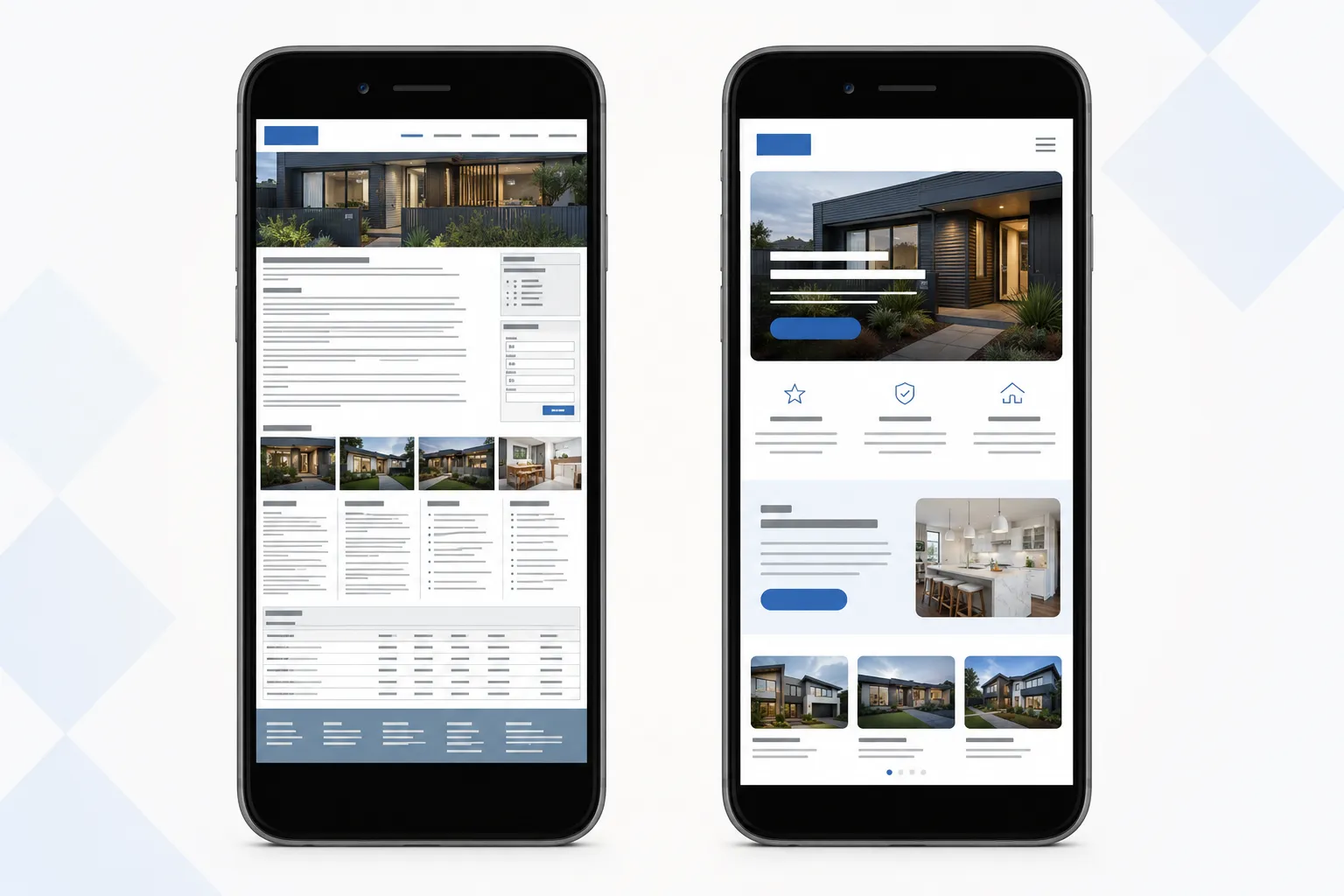
A website may look acceptable on a desktop computer but become difficult to use on a phone.
Common mobile problems include:
- Text that is too small
- Buttons that are difficult to tap
- Menus that are hard to navigate
- Images extending beyond the screen
- Forms that are awkward to complete
- Pages that require zooming
- Important information appearing too far down the page
This matters because customers often discover a local business while using their phone. They may be looking for a service provider, checking opening information or comparing several businesses quickly.
A visitor should be able to understand the business and complete the main action without fighting the interface.
What to check
Open your website on several mobile devices and try to complete a typical customer journey.
For example:
- Find a service.
- Understand what is included.
- Locate the business area or location.
- Find the contact details.
- Submit an enquiry.
Ask someone unfamiliar with the website to try the same task. Their experience will often reveal problems that are easy for the business owner to overlook.
A mobile upgrade does not always require a complete rebuild. In some cases, responsive layout fixes, better navigation and simplified content can make a significant difference.
2. Visitors cannot quickly understand what you do
A potential customer should not have to study your homepage to work out what the business offers.
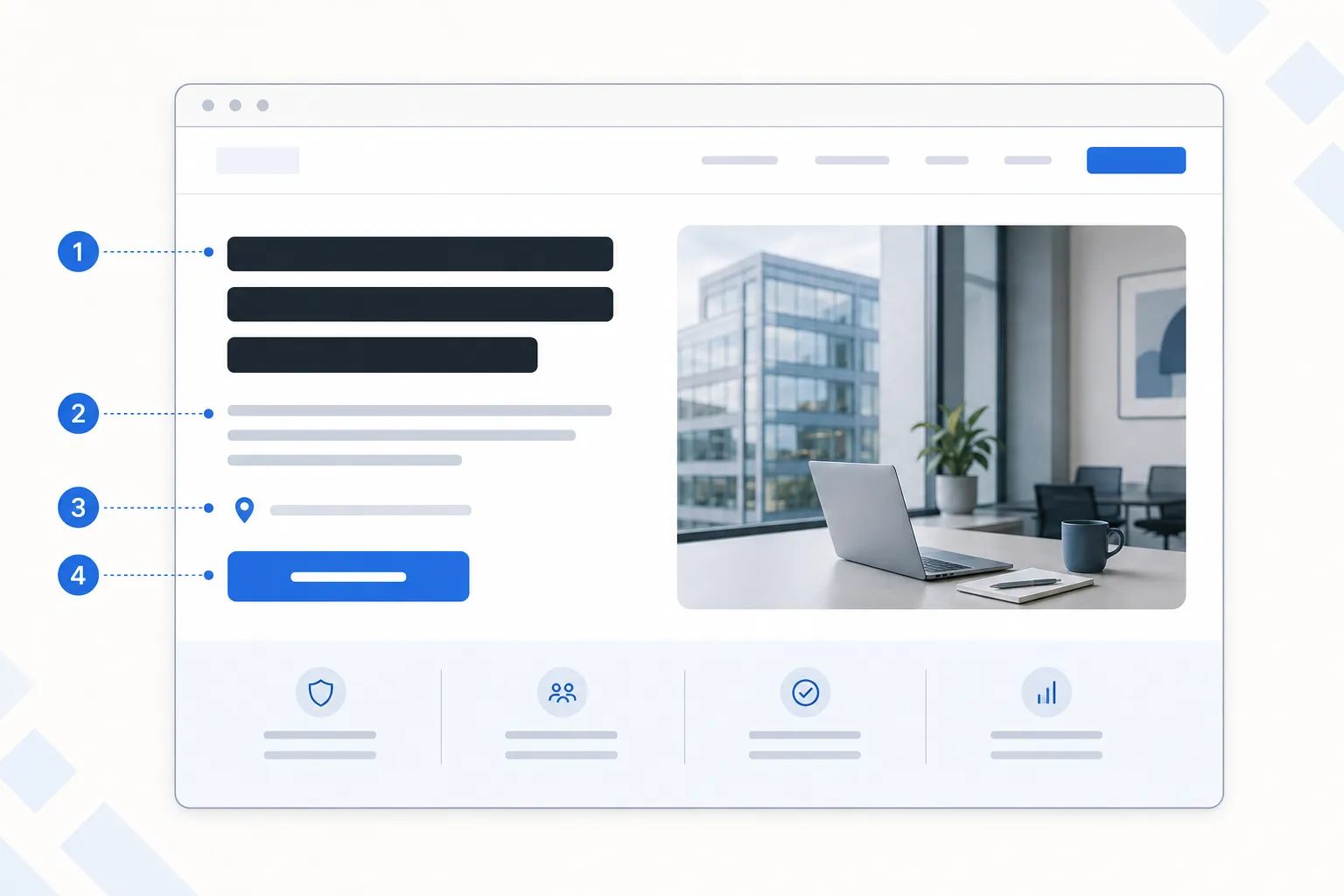
Within a few seconds, the page should communicate:
- What you do
- Who you help
- Where you operate
- Why someone should choose you
- What the visitor should do next
Many older business websites begin with a general welcome message such as:
Welcome to our website. We have proudly served the community for many years.
That may be true, but it does not immediately answer the visitor’s question.
Clearer homepage copy might say:
Residential and commercial plumbing services across West Auckland.
The second version gives the visitor useful information immediately.
What to check
Read the top section of your homepage without scrolling.
Can a new visitor identify your main service, target customer and location?
Check whether your homepage relies on vague phrases such as:
- Quality solutions
- Your trusted partner
- Excellence in service
- Innovative results
- We do it all
These statements sound positive but provide little information.
A website upgrade is a good opportunity to simplify the messaging, improve the content hierarchy and make the main call to action more obvious.
3. The website is slow or unreliable
Visitors expect a business website to load promptly and respond smoothly.
A slow website may result from:
- Oversized images
- Too many third-party scripts
- Outdated plugins
- Poor hosting
- Unnecessary animation
- Old themes or page builders
- JavaScript errors
- Years of unreviewed changes
Performance is not only a technical concern. It affects the customer experience.
Someone comparing local businesses may leave a slow website before the main content appears. A slow enquiry form may create doubt about whether the submission worked. Broken links and errors may suggest that the business is no longer active.
What to check
Test the website on both Wi-Fi and mobile data.
Look for:
- Slow initial loading
- Images appearing late
- Layouts jumping while the page loads
- Buttons that do not respond immediately
- Broken pages
- Form errors
- Browser security warnings
Tools such as Google PageSpeed Insights can provide useful technical signals, but the real customer experience matters most.
A performance upgrade might include image optimisation, removal of unnecessary scripts, code improvements, hosting changes or a move away from an outdated website platform.
4. Updating the website has become difficult
A business website should be practical to operate after launch.
If every small update requires a developer, the content system may no longer suit the business.
Warning signs include:
- Staff avoiding updates because the editor is confusing
- Service information becoming outdated
- Old team members remaining on the website
- Promotions staying live after they have ended
- Blog or news sections being abandoned
- Changes breaking the page layout
- No one knowing how the website was originally built
These problems are especially common when a website has passed through several developers or accumulated plugins and custom fixes over time.
What to check
Consider the last time you changed:
- A service description
- A staff profile
- An image
- A contact detail
- A project or case study
- A page title or SEO description
Was the process straightforward and safe?
A modern content management system can give the business control over routine updates while protecting the underlying design.
The right system depends on how the team actually works. A small professional services business may need a simple editor. A business publishing structured resources across several channels may benefit from a more flexible CMS.
The goal is not to introduce more technology. It is to make content easier to manage.
5. The website no longer supports the business
A website can be technically functional and still be wrong for the current business.
Perhaps the company has added new services, moved into a different market or improved significantly since the website was launched.
The website may still reflect:
- An old logo or visual identity
- Services you no longer prioritise
- An outdated team structure
- Old pricing or service areas
- A smaller version of the business
- Messaging written for a different customer
- A contact process that no longer works well
This creates a gap between the real business and its public presentation.
For professional services, trades and local businesses, the website is often one of the first places a potential customer checks before making contact. If the website looks neglected or does not match the quality of the actual service, it can reduce trust.
What to check
Compare the website with the business as it exists today.
Ask:
- Are our most important services easy to find?
- Does the website reflect the quality of our current work?
- Does it answer the questions customers now ask?
- Does it support the way we currently generate leads?
- Are our strongest projects, reviews or credentials visible?
- Does the contact process suit the way we handle enquiries?
If the business has changed substantially, incremental edits may no longer be enough. A focused redesign can help reorganise the content around current priorities.
Does your website need a complete rebuild?
Not every outdated website needs to be replaced.
If the problems go beyond individual fixes, see our guide to choosing between a website redesign and a full rebuild.
The right approach may be:
A content refresh
Suitable when the structure works but the wording, images or service information are outdated.
A technical improvement
Suitable when the main problems involve speed, accessibility, mobile behaviour, security or maintainability.
A visual redesign
Suitable when the site functions but no longer represents the brand or feels credible.
A full rebuild
Suitable when the website platform, structure, design and content all prevent the business from moving forward.
Before rebuilding, identify the actual business problem. A new website should improve more than appearance.
It should make the business clearer, make important tasks easier and provide a foundation that can be maintained over time.
A practical next step
Review your website as if you were a potential customer seeing the business for the first time.
Try using it on a phone. Read the homepage without relying on what you already know. Submit the contact form. Check whether the services and business information are still accurate.
Write down the problems before thinking about design or technology.
Softblue helps New Zealand businesses improve existing websites and build modern websites around clear business needs. This may involve focused improvements, a structured redesign or a complete rebuild when the current platform is holding the business back.
If your website no longer represents the business properly, a clear review can help identify the most useful next step.