
Your business website is live. You share links, publish updates and occasionally see visitors in your analytics.
But enquiries are quiet.
It is tempting to assume the website needs a new design. That may be worth considering, but a lack of enquiries can have several causes: too few relevant visitors, unclear service information, limited evidence, or a contact process that creates unnecessary difficulty.
Before deciding what to change, establish where the problem appears to be.
For a small business, the useful goal is qualified enquiries: people who understand what you offer and have a reasonable chance of becoming customers.
First, separate a traffic problem from an enquiry problem
A website receiving very few relevant visits gives you limited evidence about its ability to generate enquiries.
Start by asking:
- How many people are visiting?
- How are they finding the website?
- Which pages do they reach?
- Are those pages relevant to the services you want to sell?
Total visitor numbers need context. A local plumbing business may receive visits from outside its service area. An informational article may attract people researching a topic without looking for a provider.
Those visits are different from someone actively searching for the service you offer.
Also consider how customers contact you. Someone may read the website, then phone directly or return later through another channel. Analytics alone will not explain every enquiry.
If traffic is limited, combine the available data with practical checks and real customer conversations. A quiet week is not enough to identify the cause.
1. Can visitors quickly understand your service?
Your homepage should help someone recognise whether they have found a suitable business.
That usually means explaining:
- What you do.
- Who you help.
- Where you operate, where relevant.
- What someone can do next.
Broad statements such as “Quality solutions for your business” leave the visitor to work out the details.
A more specific opening gives them something useful to assess. For example, an Auckland electrician could explain the residential work they handle and the areas they serve.
This is an illustrative example, not a claim about a particular business.
Check your most important service page too. A visitor arriving from Google may never see the homepage.
Our guide to what a small business website should include covers the information that helps customers understand a business.
2. Does the page answer the questions people ask before contacting you?
A service name and a contact button may leave important questions unanswered.
Depending on your business, visitors might need to know:
- Whether you handle their type of work.
- Whether you cover their location.
- What is included.
- What happens during the first conversation.
- Whether you offer one-off help or ongoing support.
- What information they should prepare.
Use questions from actual enquiries, meetings and proposals to guide the content.
You do not need to publish a fixed price for every service. However, explaining the scope, quoting process or factors affecting cost can help people decide whether to contact you.
The aim is to give suitable customers enough information to take a useful next step.
3. Is there relevant evidence behind the claims?
Statements such as “experienced”, “reliable” and “high quality” are easier to assess when supported by evidence.
Depending on what you can honestly show, that might include:
- Relevant completed work.
- Genuine customer feedback.
- Qualifications or professional memberships.
- Clear business and contact details.
- An explanation of how the work is delivered.
Put useful evidence near the service it supports. Someone reading about a particular service should be able to find an appropriate example without searching through unrelated pages.
New businesses may have limited client work. Clearly labelled demonstrations or independent projects can still explain capability, provided they are represented accurately.
Use the evidence you have and make its context clear.
4. Is the next step clear and appropriate?
A visitor may understand the service but remain uncertain about what happens when they click.
The call to action should describe a suitable next step.
For example:
- Request a quote.
- Ask about availability.
- Send your project details.
- Book an initial consultation, where that is genuinely offered.
The wording should match the process behind it. A “Get an instant quote” button should not lead to a general enquiry form with no immediate estimate.
A service page may also need more than one opportunity to contact you: one near the introduction and another after the information customers need to make a decision.
Keep the main action consistent so visitors can recognise it.
5. Can someone complete the enquiry comfortably on a phone?
Follow the journey on your phone, starting from an important service page.
Check whether you can:
- Read the content without awkward zooming.
- Open the navigation.
- Select the contact action.
- Complete the form.
- Understand any error messages.
- Recognise that the enquiry has been submitted.
For forms, ask why each field is needed at this stage.
Some businesses need location, timing or project details to assess an enquiry. Other questions can wait until the first conversation. Keep the information that helps you respond appropriately and explain unusual requirements.
Use visible field labels and make required information clear.
Performance matters here too. A delayed menu or moving layout can interrupt the task. Our guide to why a business website may be slow explains what to check.
6. Does the message actually reach your business?
A successful-looking form submission is only part of the process.
Send a test enquiry and check the full route:
- Does the website accept the submission?
- Does it show a clear confirmation?
- Does the form system record it?
- Does the notification reach the correct inbox?
- Does someone know they are responsible for replying?
Also test telephone and email links.
A form may accept messages while notification emails go to an old address or a spam folder. That requires investigation before spending time on new copy or layouts.
Explain what happens after submission. If you publish an expected response time, make sure the business can consistently meet it.
7. Are you measuring enquiries accurately?
A page view, a contact-button click and a received enquiry are different events.
A contact click shows that someone selected an action. It does not prove they completed a message or made a phone call.
For a form, track the confirmed successful submission where your implementation supports it. Avoid treating every press of the submit button as a completed lead.
Google Analytics provides a recommended generate_lead event that can be configured for lead submissions. Its usefulness depends on correct implementation and testing.
Compare analytics with your actual inbox or lead records. Exclude tests and spam when assessing the quality of enquiries.
Keep personal information such as names, email addresses and message contents out of analytics events.
Choose one useful improvement at a time
Once you have checked the journey, write down the problem and the evidence supporting it.
For example:
“Customers ask whether we serve West Auckland, but our service area is difficult to find.”
A focused change would be to clarify coverage on the relevant service and contact pages.
Or:
“Test enquiries are recorded by the form provider, but the business receives no notification.”
That calls for a delivery fix.
Record what changed and review the result over a period appropriate to your traffic and sales cycle. With a small audience, individual enquiries and customer feedback may be more useful than short-term percentage changes.
Avoid treating a small fluctuation as proof that a change worked.
Does improving enquiries require a rebuild?
Sometimes the existing website can support useful improvements to messaging, evidence, navigation or contact forms.
A larger change may make sense when the underlying structure prevents those improvements or the website no longer supports how the business operates.
Start with the observed problem and the work required to address it.
Our website redesign or rebuild guide explains how to assess the appropriate level of change.
Start with the customer’s path to contact
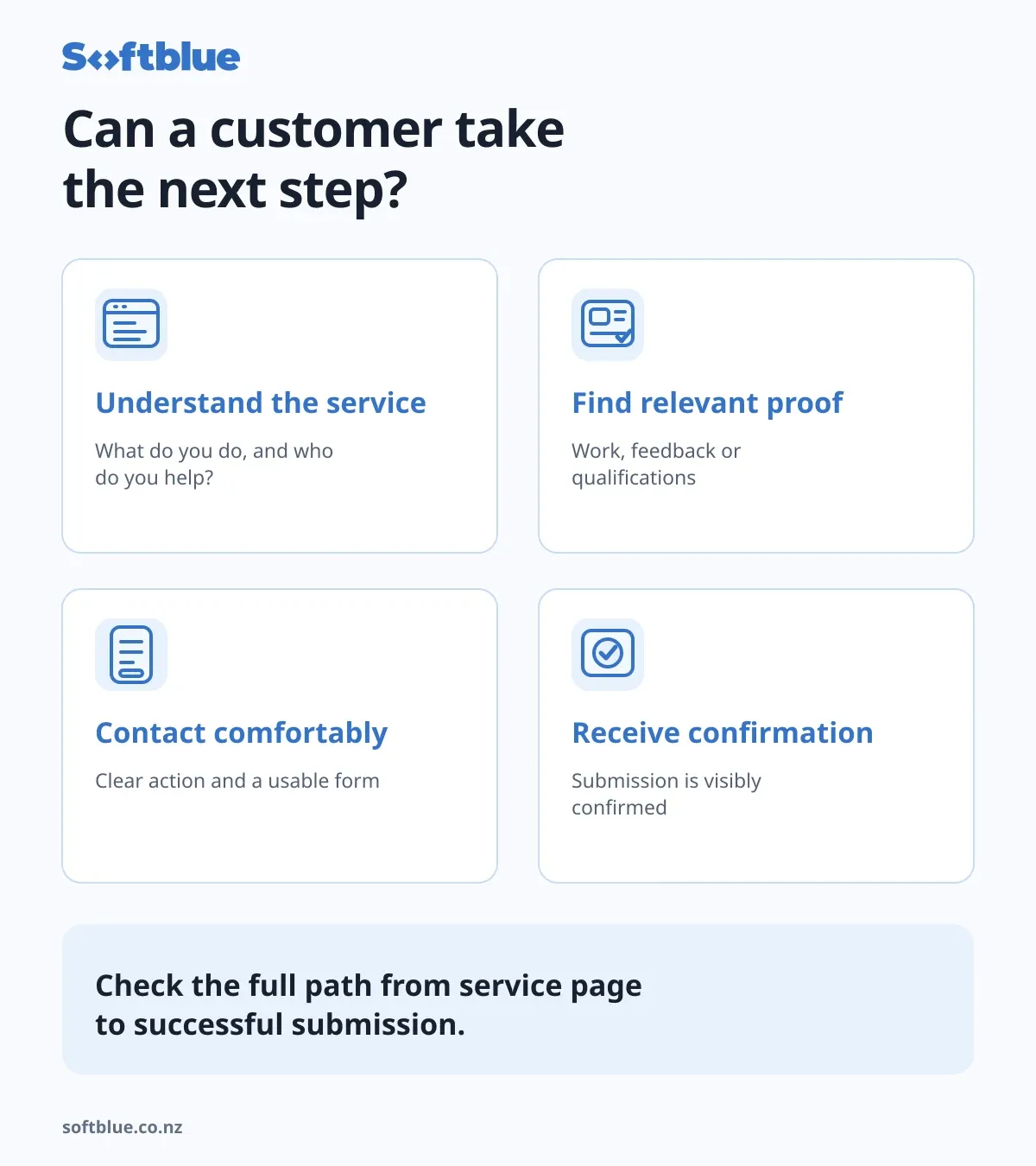
Before investing in more promotion, check whether a suitable visitor can understand your service, assess your credibility and contact you successfully.
Then consider how to bring more relevant people to that experience.
At Softblue, we review the website and the enquiry journey together to help identify a useful scope of improvement.
Explore our website improvement and support services, or tell us about your website and the issue you have noticed.