

Your website has launched. A few months later, a service changes, a team member joins, and you have a new project worth showing.
Who makes those updates?
For a small business, this question deserves attention before the website is built. It affects how quickly information stays current, how much support you need, and who takes responsibility after launch.
A content management system, or CMS, lets authorised people edit website content through an administration interface. But whether your website needs one depends on what changes, who will make those changes, and how the business wants to work.
The useful starting point is your editing needs.
What is a CMS?
A CMS provides a place to manage content without editing the website’s source code directly.
Depending on the setup, that might include:
- Updating service descriptions.
- Adding team members.
- Publishing articles.
- Uploading project photographs.
- Changing opening hours.
- Managing products or other structured information.
Some website platforms include content management as part of the service. Other websites connect to a separate CMS. A developer-managed website may keep content in files and handle updates through a development workflow.
These arrangements can all suit a small business. The question is which one makes routine work clear and manageable.
When does a small business website need a CMS?
A CMS becomes useful when the business has a recurring need to publish or maintain content itself.
Your information changes regularly
If services, staff profiles, projects or resources change often, waiting for a developer to handle every update may become inconvenient.
For example, a consultancy that regularly publishes insights has different editing needs from a contractor whose core service information stays stable.
A CMS can give the consultancy a practical publishing process. The contractor may need a simpler arrangement.
Someone will take responsibility for updates
Self-service editing works best when there is an actual person responsible for it.
That person needs enough time, access and guidance to keep information accurate.
“Anyone can update it” sounds flexible, but it can leave a website without a clear owner. Before choosing a CMS, decide who will maintain the content and who will cover when they are unavailable.
You publish the same type of content repeatedly
Projects, articles and team profiles usually share a recognisable structure.
A well-configured CMS can provide fields for that information, such as a project title, summary, photographs and service category.
The editor supplies the content, while the website presents it consistently.
This can make publishing easier than recreating a layout every time.
Several people contribute content
A business may need one person to prepare an article and another to review it.
If that reflects your workflow, discuss permissions and approvals before choosing the system.
Some setups support these needs directly. Others require additional configuration or tools. Confirm what the proposed implementation actually includes.
When can developer-managed updates be enough?
A website does not always need a business-facing editing interface.
If the content changes infrequently and you prefer someone else to manage it, developer-supported updates may be a reasonable choice.
For example, a small professional service business might need occasional changes to its service descriptions and contact information. If support is reliable and the arrangement is clear, that can be practical.
Before choosing this approach, agree:
- How you request a change.
- What support costs.
- Typical turnaround times.
- What happens when an update is urgent.
- Who can maintain the website if the original developer becomes unavailable.
Include those support needs when comparing the ongoing cost of different website options.
Our guide to what a small business website should include explains how maintainability fits alongside content, trust and enquiries.
Editing content and changing layouts are different jobs
A business owner may say, “We want to update the website ourselves.”
That can mean several things:
- Correcting a phone number.
- Adding a project.
- Reordering approved sections.
- Designing an entirely new page.
These tasks require different levels of control.
A CMS might make text and image updates straightforward while keeping the layout protected. Another setup might allow editors to assemble pages from approved components. A more flexible page builder may offer extensive layout control.
More freedom also means more decisions and more opportunities for inconsistency.
A useful brief describes the tasks you need to complete. For example:
“We need to add projects, update service text and change team profiles. New page layouts can remain developer-managed.”
That is clearer than asking for everything to be editable.
If your existing CMS is difficult, what is actually wrong?
A frustrating editing experience does not automatically mean the entire platform needs replacing.
The problem might be:
- Fields with unclear names.
- Too many irrelevant options.
- Missing permissions.
- No useful preview.
- Templates that are difficult to use consistently.
- A lack of training or documentation.
Start by demonstrating a real task.
Show how you currently add a project or change a service description. Identify where the process becomes confusing, slow or risky.
Improving the editing setup may be enough. A larger change deserves consideration when the system cannot reasonably support the work the business needs.
Our website redesign or rebuild guide explains how to assess the appropriate level of change.
What should a useful CMS let you do?
Focus the demonstration on your routine work.
Find the right content
Editors should be able to recognise where service information, team details and projects belong.
The labels and structure should make sense to the people using them.
Preview changes
Ask how you can check an update before publishing it, including how it will appear on a phone.
Preview behaviour varies between implementations, so see it working.
Manage images appropriately
Uploading a photograph should be understandable. Discuss image sizing, cropping, alternative text and any automatic optimisation.
These details affect both editing effort and the experience visitors receive.
Publish with appropriate access
People should have access suitable for their responsibilities.
Someone updating an article may not need control over user accounts, integrations or site-wide settings.
Recover from mistakes
Ask what happens if content is deleted or an incorrect change is published.
Revision history, backups and restoration are related but different capabilities. Confirm what is included and who handles recovery.
Will a CMS improve SEO?
A CMS can make SEO work easier to manage. It may provide controls for page titles, descriptions, URLs and image alternative text.
Those controls still need a suitable implementation and useful content.
During planning, ask whether the website will support:
- Descriptive page titles and headings.
- Crawlable navigation and internal links.
- Appropriate control over indexing.
- Redirects when important URLs change.
- Accessible, usable page templates.
A CMS feature list does not show whether those details have been configured well. Ask to see the relevant controls and understand who maintains them.
What about maintenance and ongoing costs?
The CMS is one part of the website’s ongoing responsibilities.
Depending on the arrangement, costs and work may include hosting, subscriptions, updates, backups, monitoring and support.
A hosted platform may manage parts of the infrastructure. A self-hosted setup may leave more responsibility with the business or its support provider.
Content still needs an owner in either case.
Before agreeing to a proposal, clarify which responsibilities belong to the platform, the developer and your business. Also confirm ownership of the domain, hosting and CMS accounts, along with how content can be exported.
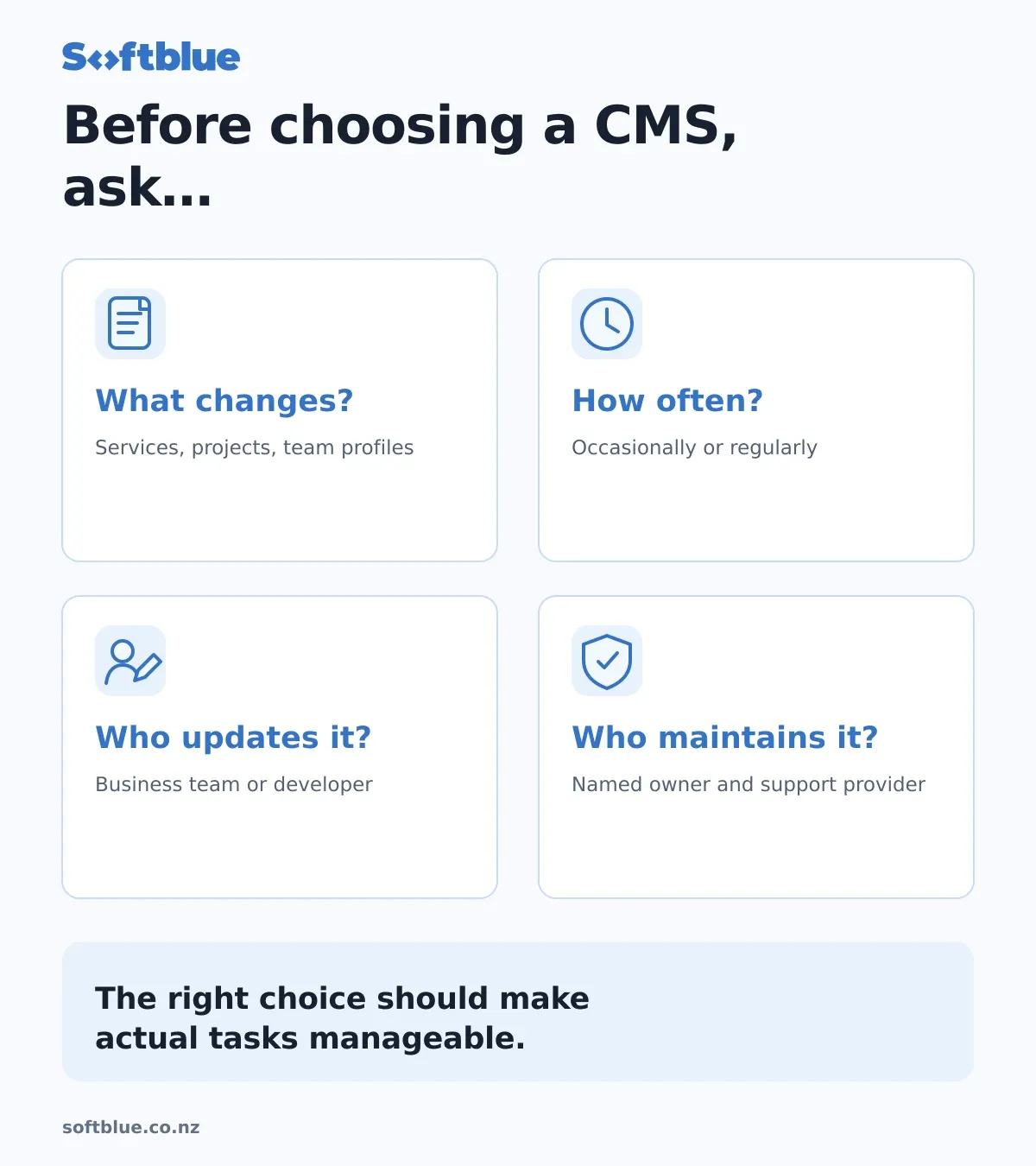
A simple way to decide
Write down the next five changes you realistically expect to make to your website.
For each one, answer:
- How often will this happen?
- Who should make the change?
- How quickly must it be published?
- Does it need approval?
- Does it change content, layout or functionality?
Use that list during the website discussion.
If regular publishing is part of your business, a suitable CMS may be valuable. If changes are occasional and you want managed support, a simpler arrangement may suit you.
The right choice should make those actual tasks manageable.
Choose around the people maintaining the website
A useful website needs a clear plan for what happens after launch.
At Softblue, we consider who will update the content, which tasks they need to complete and what support the business wants to retain.
That helps define an editing setup with an appropriate level of control.
Explore our website services, or tell us what you need to update on your website. We can help assess whether improvements to the current setup or a different approach would be useful.